 Discount Card Wallet
Every loyalty card, on the phone you already carry.
Scan the plastic once and leave it at home. Open a card at the checkout and the screen brightens by itself, so the scanner reads it on the first pass.

Free · iPhone, iPad and Android · iOS 17.0 or Android 8.0 and later · No account
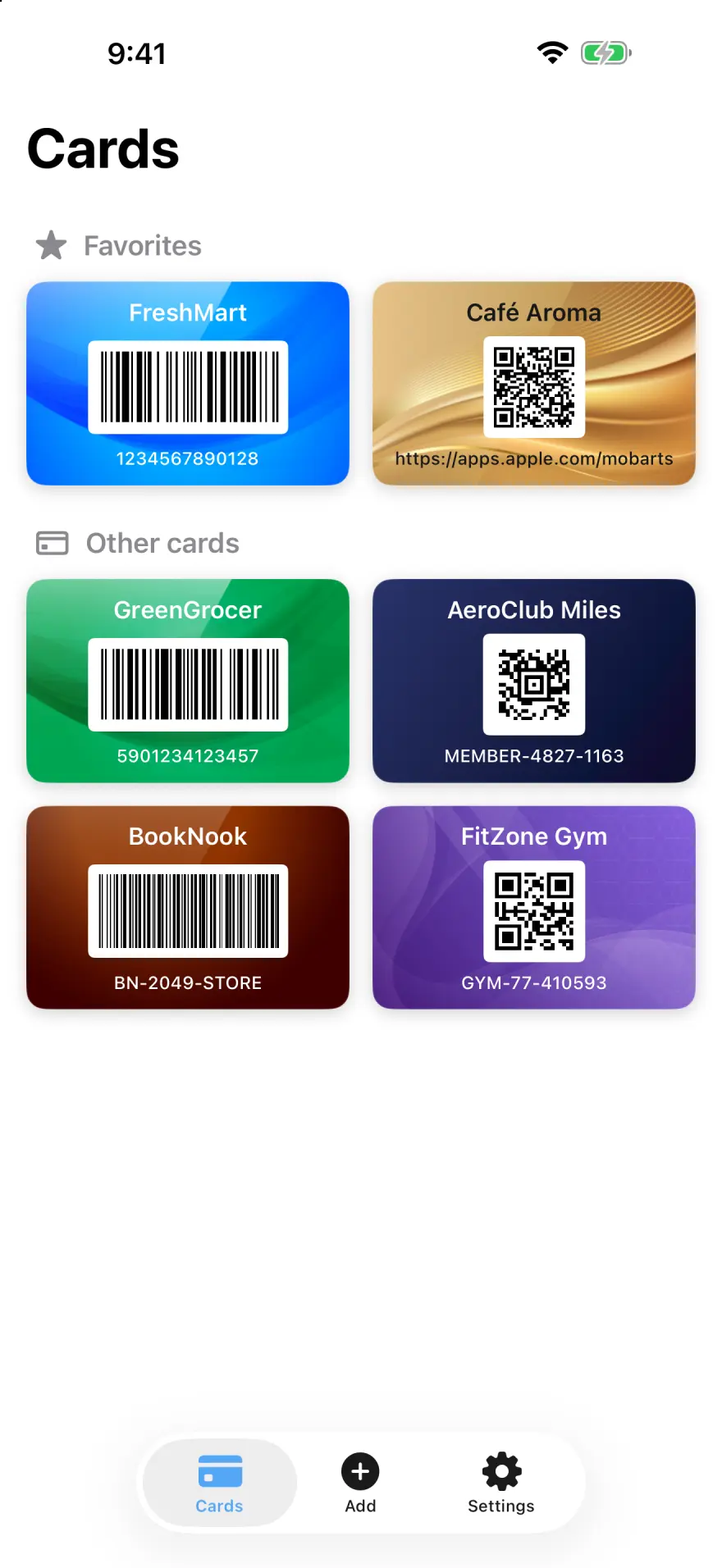
The whole app is 5 screens
Nothing to set up and nothing to sign in to. Add a card, find it, show it — the rest of the screen stays out of the way.
All Your Loyalty Cards
Rewards, store & membership cards in one wallet
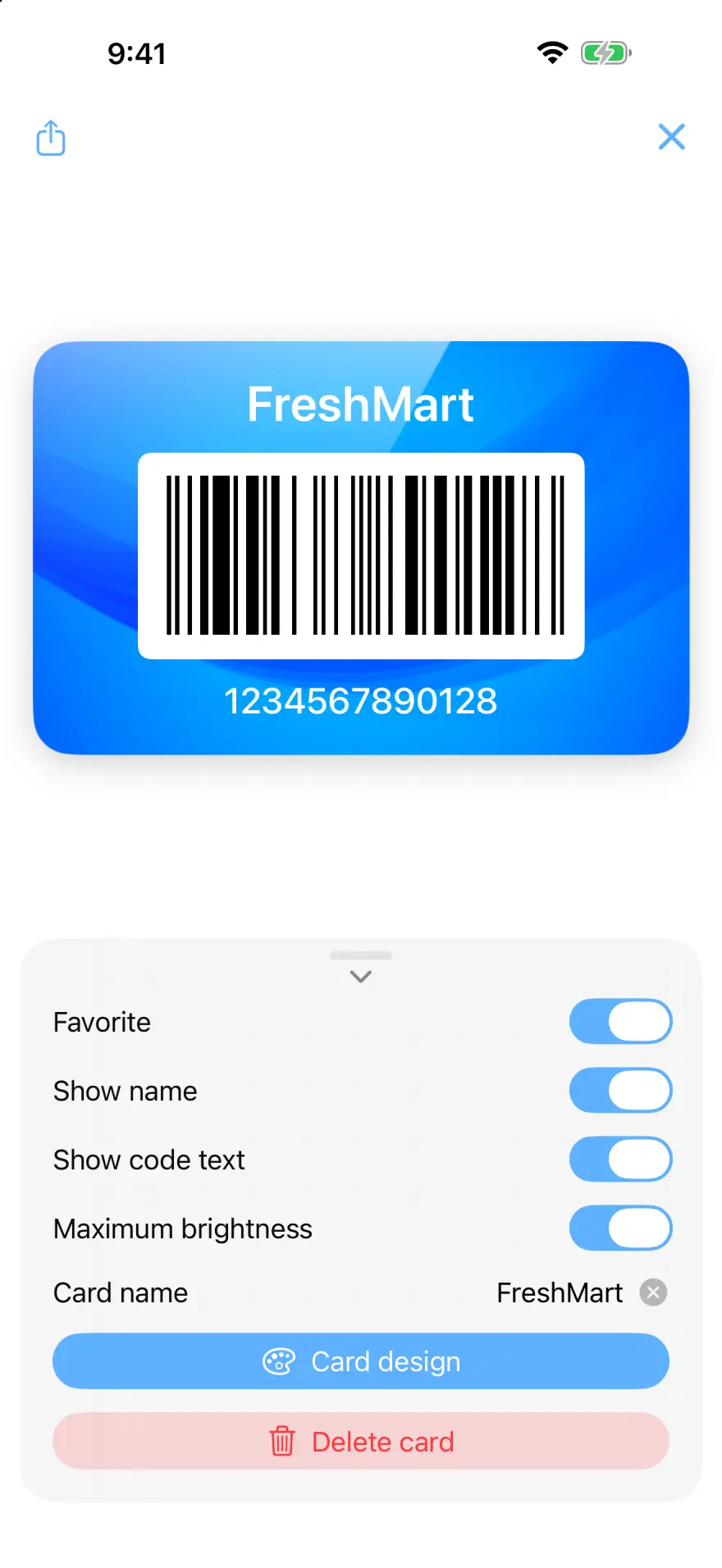
Scan Cards at Checkout
Show your barcode or QR code instantly
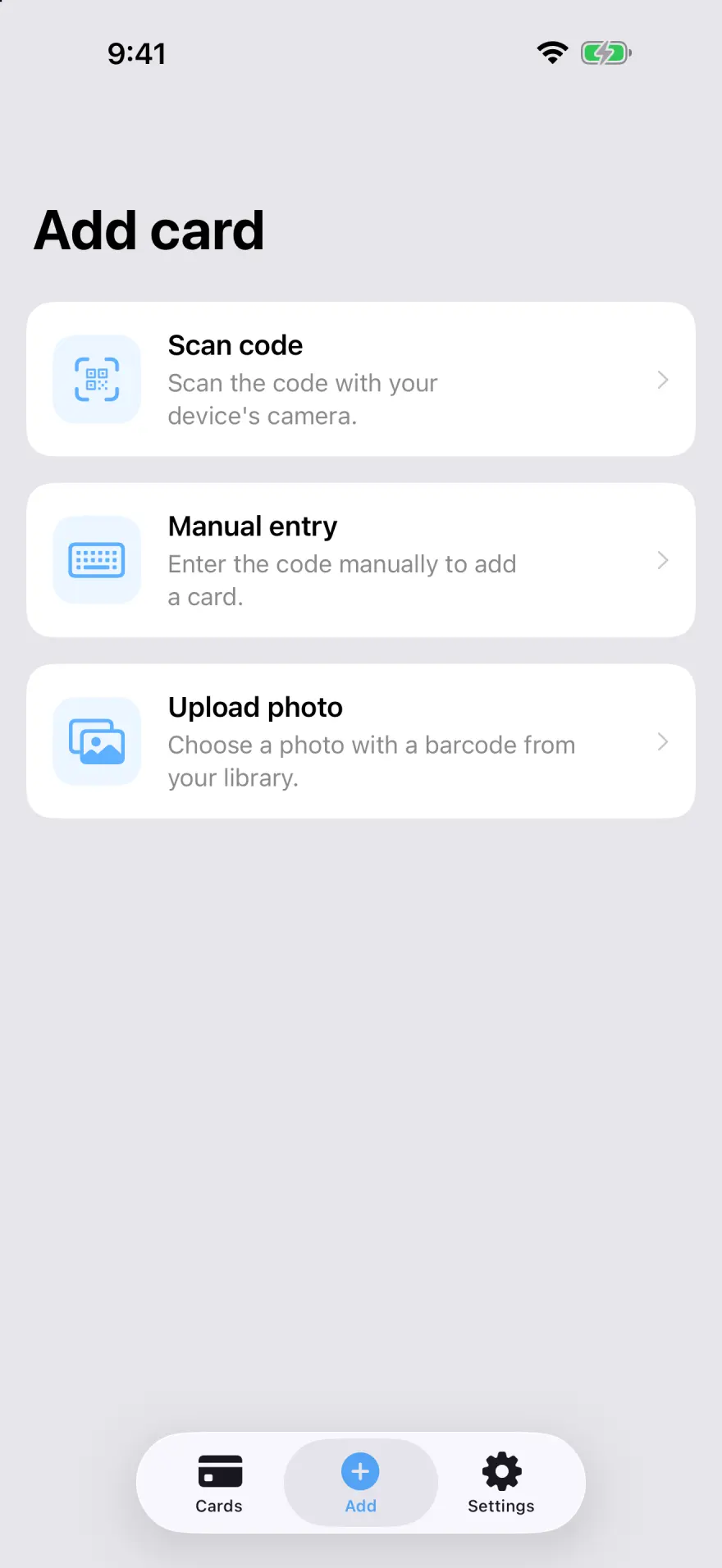
Add Any Card in Seconds
Scan the barcode or add cards manually
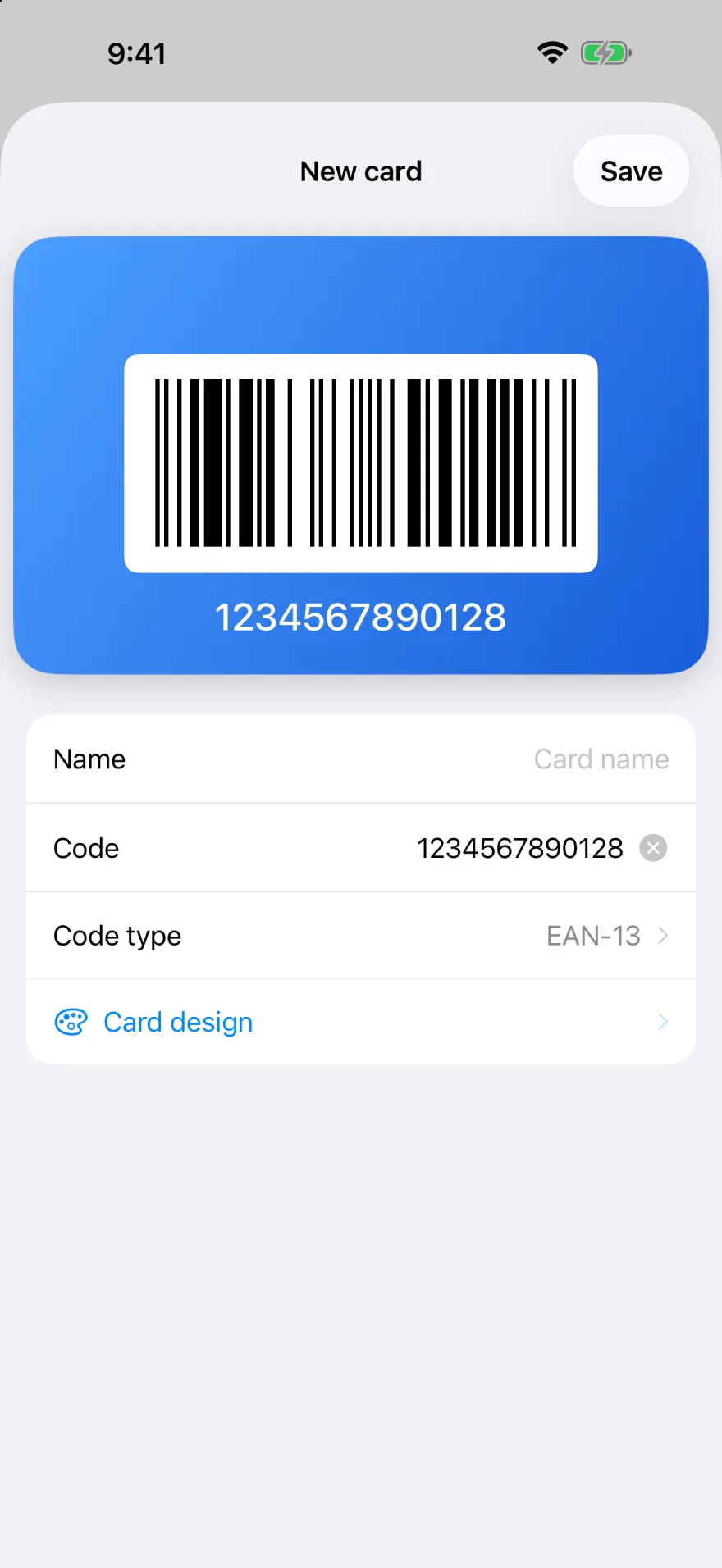
Every Barcode & QR Type
EAN, UPC, Code 128, Aztec, PDF417 & more
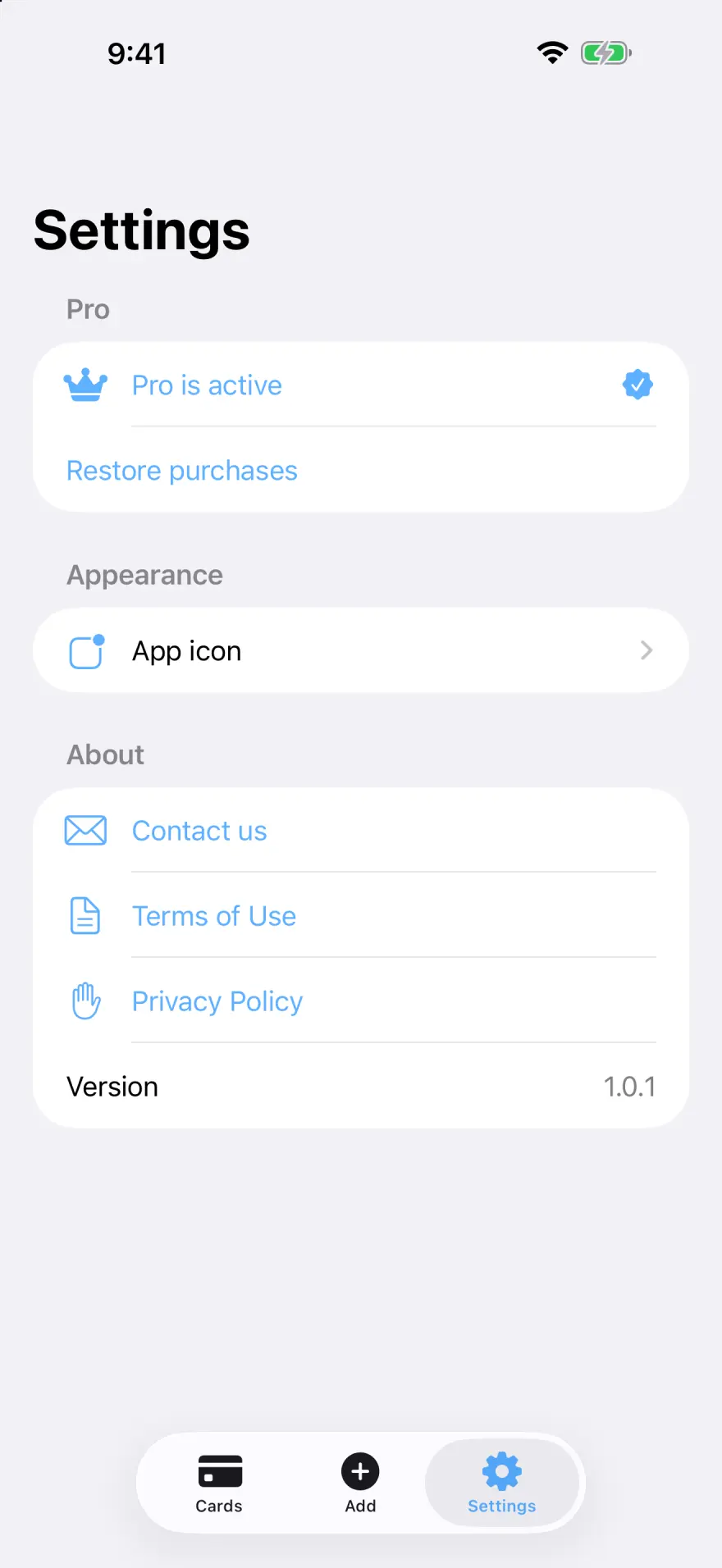
A Private Digital Wallet
iCloud sync & backup — no ads, no sign-up
Every code the till can read
The app reads and redraws 12 formats, which covers practically every loyalty programme on the shelf.
- QR Code
- EAN-13
- Code-128
- Aztec
- PDF417
- UPC-E
- EAN-8
- Code-39
- Code-93
- Code-39 Mod43
- Interleaved 2 of 5
- ITF-14
The code is redrawn on screen, not photographed — it stays crisp at any size and scans even when the printed card has worn thin.
The right card, without reading a single name
Give each card its own colour or background. In a queue you reach for the green one, not for the third row of a list.
6 designs come with the free app. Pro adds 24 more, plus 5 alternative home-screen icons.
Start free, upgrade when the wallet fills up
The free app holds 2 cards — enough to see whether it belongs in your pocket. Pro lifts the limit and unlocks the rest.
Unlimited cards
Every shop, every gym, every library.
24 premium designs
Gradients and textured backgrounds, on top of the free ones.
5 app icons
Pick the one that fits your home screen.
Support an independent developer
No ads, no data deals — the app is paid for by the people who use it.
Monthly, yearly or a one-off lifetime purchase. Nothing is deleted if Pro lapses.
Your cards never reach us
There is no account to create, because there is no server holding your cards. They live on your device and, if you switch it on, in your own iCloud.
- No sign-up, no password, no email address.
- On iPhone and iPad, cards sync through your own iCloud — never through ours.
- We cannot read your cards — they are never sent to us.
- Nothing is sold on and nothing is shared with advertisers.
- The app counts anonymous events — a card added, the Pro screen shown — to guide what gets built next. Card names and codes are never among them.
- On Android the cards stay on the phone. If Android's own backup is switched on, a copy goes to your own Google account — never to ours.
Questions that come up
If the answer is not here, write to us — a person reads every message.
How do I add a card?
Tap Add and either scan the barcode with the camera, pick a photo that already has the code in it, or type the number in by hand when the print has worn off. Give the card a name and a design, then save.
The scanner at the till will not read my screen.
Open the card so it fills the screen — the app raises the brightness by itself. Hold the phone flat and steady under the scanner. If a code still will not read, check that the right format is selected for that card: a number typed in as EAN-13 will not scan as Code-128.
Do my cards sync between my devices?
Yes, as long as both devices are signed in to the same iCloud account and iCloud is switched on for the app. You can check under iOS Settings → your name → iCloud.
What do I get for free, and what needs Pro?
The free app holds 2 cards and comes with 6 card designs. Pro removes the card limit and unlocks the remaining 24 designs and 5 alternative app icons.
I have a new phone. How do I get my cards back?
Sign in to the same iCloud account on the new device and install the app. The cards come down on their own once iCloud is reachable. Nothing is deleted from the old phone in the meantime.
I am on Android. Does the iCloud part apply to me?
No — everything said about iCloud is for iPhone and iPad. On Android the cards live on the phone itself. With Android's backup switched on, a copy is kept in your own Google account and the cards come back when you set up a new phone. What is missing is live syncing between two devices at once; that is planned, not built yet.
Still stuck?
Write to us. It helps if you mention your phone model and its system version, and which shop's card is giving trouble.
Contact us